글

라벨이 LUT인 게시물 표시

[Camera] RED_Red 709 LUT(다운로드 설정 및 해결방법)
이미지
 [Camera] RED_Red 709 LUT https://www.red.com/ https://www.red.com/download/red-lut-kit   Support > Downloads   FIRMWARE SOFTWARE REDCINE-X PRO (WINDOWS) REDCINE-X_PRO_Operation_Guide http://docs.red.com.s3.amazonaws.com/955-0004/REDCINE-X_PRO_Operation_Guide_v51.pdf REDCINE-X PRO (MAC) RED Apple Workflow Installer (Mac) RED Adobe Photoshop Installer - WINDOWS RED Adobe Photoshop Installer - MAC DOCUMENT RED RANGER GEMINI RED RANGER GEMINI Operation Guide DEVELOPERS OTHER RED LUT Kit   RED LUT Kit RELEASE HISTORY VERSION1.0.1 | 5.6 MB Release Date: 9/21/2015 RELEASE NOTES RED LUT Kit (V1.0.1) INCLUDES LUTS THAT MAP REDLOGFILM TO RG3 AND RG4 SPACES. Discrete (.lut), 10-bit an...

[Tip] RED Rec 709 LUT - Premiere Pro Source Settings(설정하기)

이미지
[Tip] RED Rec 709 LUT - Premiere Pro Source Settings [Rec 709 LUT Premiere Pro] [adobe help]  rec 709 lut Adobe Premiere Pro의 색상 등급 지정 워크플로우 Link : [Camera] RED_Red 709 LUT [Creative Cloud Search] rec 709 Premiere Pro 색상 관리 [Creative Cloud / Adobe Search / Adobe] RED camera Premiere Pro supported file formats Premiere Pro용 타사 플러그인 Ingest and edit native camera formats in Premiere Pro CC | Adobe Premiere Pro tutorials [Key] Source Setting 비 활성 상태 Premiere Pro로 미디어 가져오기 | Adobe Premiere Pro 자습서 ...

[Tip] LUT(Look up table) / Arri Alexa - Cameras

이미지
  Arri 알렉사 Sample Footage, LUT(Look up table) 다운로드 ...   m.blog.naver.com › colorist_hyun 2016. 10. 27. - 알렉사 카메라의 제조사인 Arri 홈페이지 (http://www.arri.com)에 들어가면 Arri의 카메라뿐 아니라 조명기기, 필름 스캐너, 의료기기 등 다양한 ... URL : https://www.arri.com/en/learn-help/learn-help-camera-system/camera-sample-footage User : ALEXA Password : samplefootage 사이트 업그레이드 때문인지 위의 경로 오류 https://www.arri.com/en/learn-help/learn-help-camera-system/tools/lut-generator#accordion-43892 https://www.arri.com/service/search/en/49664?query=LUT    

[Tip] AE Color Settings_HDTV (Rec 709) / LUT (Lookup Table)

이미지
    File > Project Settings   작업영역 체크박스 작업 영역 선형화 1.0 감마를 사용한 색상 홉합 레거시 After Effects QuickTime 감마 조정 일치 장면 참조 프로파일 보정 색상 관리가 설정되어 있습니다. 색상 관리를 해제하려면 [작업 영역]을 [없음]으로 설정하십시요. 색상 관리가 설정되어 있으면 푸티지 또는 랜더링 대기열 항목에 서로 다른 색상 공간을 지정할 수 있습니다. 지정된 색상 공간이 작업 영역과 다르면 색상 값이 한 공간에서 다른공간으로 변환됩니다.   Color Settings >  Depth : 8 bits per channel 16 bits per channel 32 bits per channel (float)   Color Settings >  Working Space None Adobe RGB (1998) Apple RGB ColorMatch RGB ProPhoto RGB sRGB IEC61966-2.1 CLE RGB DCDM X’Y’Z’(Gamma 2.6) 5900K (by Adobe) DCI P3 RGB (Gamma 2.6) 5900K (by Adobe) Display e-sRGB Generic RGB Profile HDTV (Rec. 709) HDTV (Rec. 709) 16-235 PAL/SECAM ROMM-RGB SDTV NTSC SDTV NTSC 16-235 SDTV PAL SDTV PAL 16-235 SMPTE-C Universal Camera File Printing Density Wide Gamut RGB After Effects 색상 관리 비디오 는 색상 관리를 소개하고 작동 방식과 사용 방법에 대해 설명합니다. 색상 관리 및 색상 프로파일 https://helpx.ado...

이 블로그의 인기 게시물

[WIN]SMB1 프로토콜이 필요합니다.시스템에 SMB2 이상이 필요합니다.(윈도우10 네트워크 연결오류)

[Tip] 카카오톡(Kakaotalk)대화내용 CSV 파일로 저장하기(구글 스크립트 시트 정리하기)

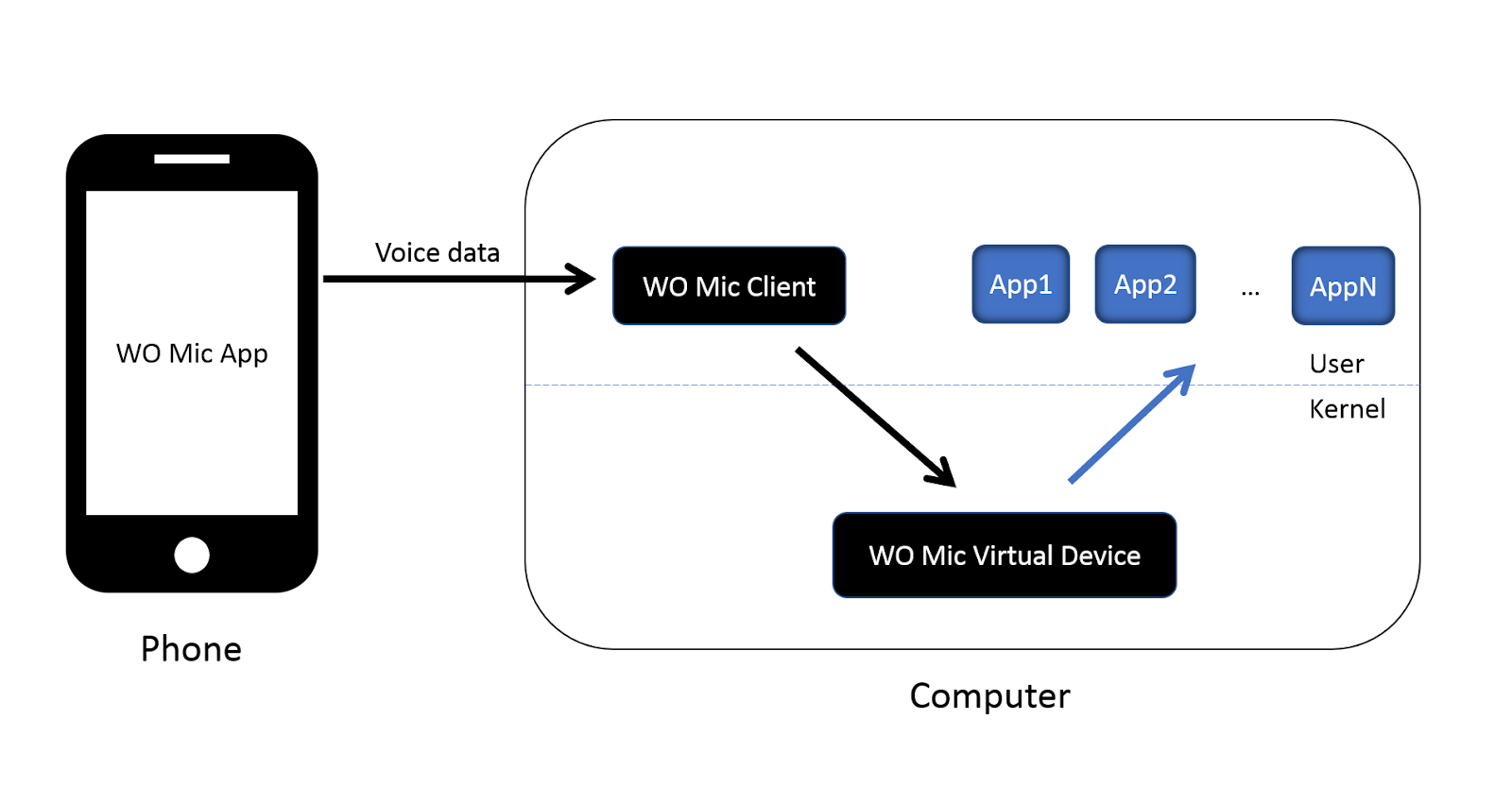
[Tip] Android 스마트폰 PC(Windows)에서 마이크 대용으로 사용하기(WO Mic Free)